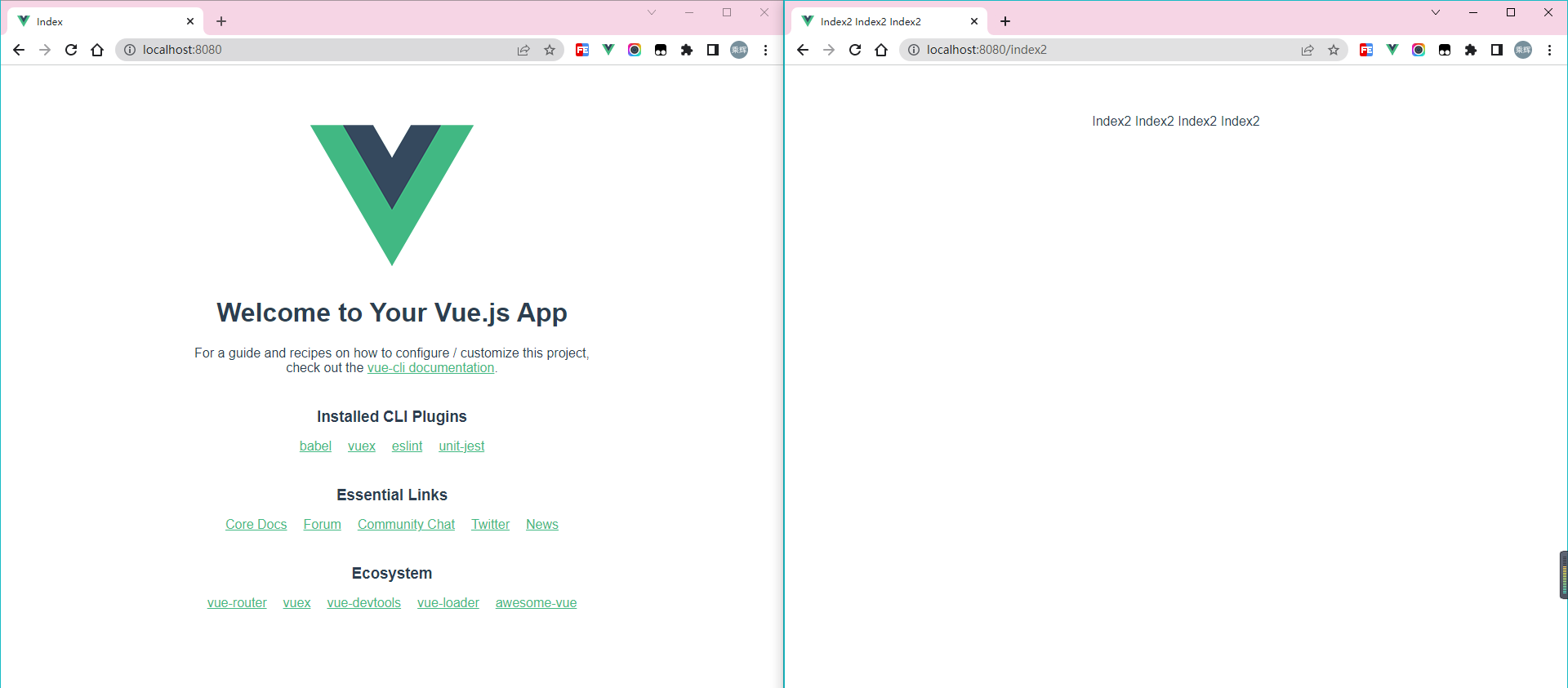
业务场景
一个系统需要使用不同html文件作为入口,实现多页面,如:index.html、index2.html、index3.html等,使用vue-cli4搭建项目,配置vue.config.js实现多页面。
遇到的坑
按照官网给的配置进行复制,结果发现两个页面完全一样
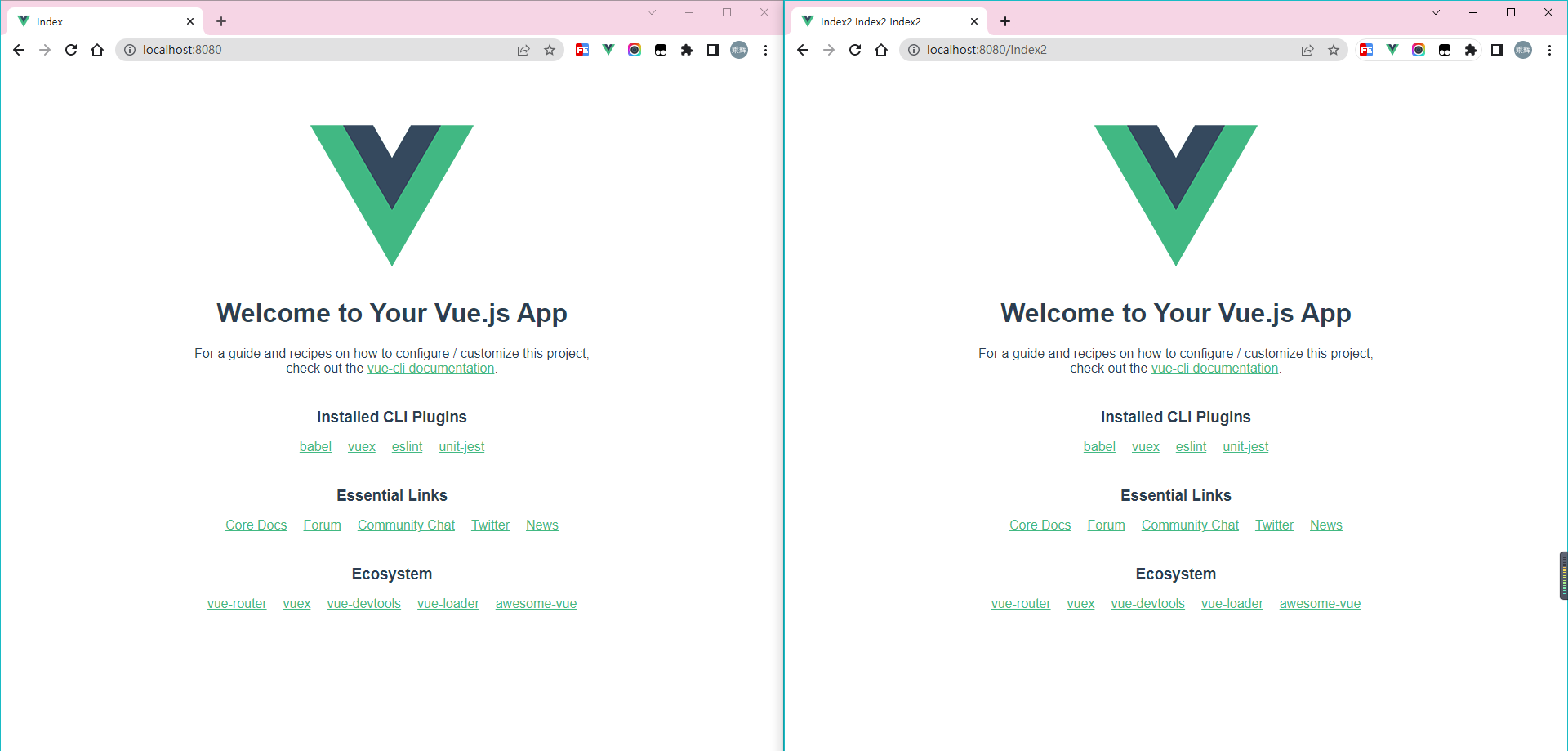
错误配置如下
module.exports = {
  transpileDependencies: true,
  pages: {
    index: {
      entry: "src/index/main.js",
      template: "public/index.html",
      filename: "index.html",
      title: "Index",
      chunks: ["chunk-vendors", "chunk-common", "index"],
    },
    index2: {
      entry: "src/index2/main.js",
      template: "public/index2.html",
      filename: "index2.html",
      title: "Index2 Index2 Index2",
      chunks: ["chunk-vendors", "chunk-common", "index"],
    },
  },
};
解决方法
问题出在index2的chunks上,注释掉index2的chunks重新运行项目,页面就没问题了
module.exports = {
  transpileDependencies: true,
  pages: {
    index: {
      entry: "src/index/main.js",
      template: "public/index.html",
      filename: "index.html",
      title: "Index",
      chunks: ["chunk-vendors", "chunk-common", "index"],
    },
    index2: {
      entry: "src/index2/main.js",
      template: "public/index2.html",
      filename: "index2.html",
      title: "Index2 Index2 Index2",
    },
  },
};
效果